BBEdit on Mac Geek Gab — Apple Tips, Tricks, and Troubleshooting
A Wonderful Opportunity to Get Super Confused
Estimated current placement value
UnavailableThis show does not have a usable popularity input. AdReads leaves the estimate unavailable rather than manufacture a price.
Methodology and limitations →Transcript
And our thanks to Decagon for sponsoring this episode. And you know what nobody tells you about a 30-year-old app? It just keeps getting better. And of course, we're talking about BBEdit. And BBEdit 16 leans hard into shortcuts. You can now fire off text transforms from anywhere on your Mac without even launching BBEdit, without even really knowing that BBEdit is there. Of course, it is. It's doing the work, right? You can add actions like extract matching lines, delete matching lines, sort lines, find and replace, all as one-shot actions you can drop into any shortcut. Once you start wiring that into your workflows, it's going to be hard to stop. Add VI keyboard emulation. I know if your fingers are already in that mode, it's nice to have that mode in BBEdit too, right? Per project color schemes, better Git handling, way faster SFTP, and a real W3C HTML checker that does things live in real time, right? This is a serious upgrade. Don't get caught doing by hand what BBEdit will do in a matter of keystrokes. There's a free 30-day trial waiting at barebones.com. Go check it out. I think you're going to like it as much as I do. And our thanks to BBEdit for sponsoring this episode. All right, shall we do some questions, Adam?
BBEdit sponsor landing page on Mac Geek Gab — Apple Tips, Tricks, and Troubleshooting
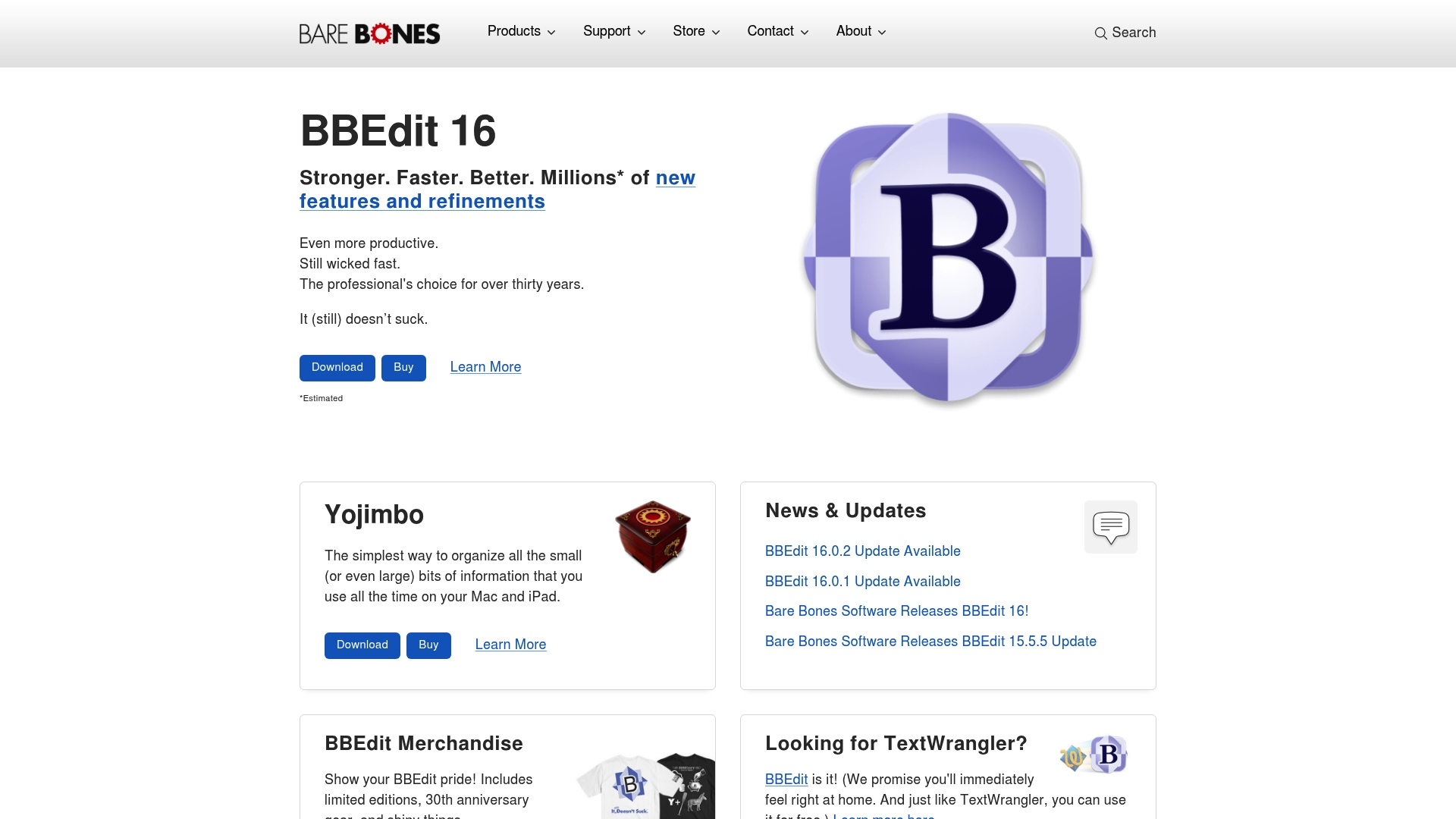
BBEdit landing page captured for its sponsorship on Mac Geek Gab — Apple Tips, Tricks, and Troubleshooting.